Account Setup
Create your KitaBlitz account in minutes and start applying to kindergartens across Berlin.
Creating an Account
Getting started with KitaBlitz is quick and free. Follow these steps to create your account:
Visit the Homepage
Go to the KitaBlitz homepage and click "Start Your Free Trial" to begin the registration process.
Fill in Your Details
Enter your name, email address, and choose a secure password. Accept the Privacy Policy and Terms of Service.
Verify Your Email
Check your inbox for a verification email and click the link to activate your account.
Free Credits on Registration
Every new account receives free credits to get started. Use them to generate your first AI-powered application emails at no cost.
Language Settings
KitaBlitz supports both English and German. You can switch languages at any time using the language toggle in the navigation bar. Your preference is saved to your account and persists across sessions.
Editing Your Profile
Access your profile settings from the account menu in the sidebar. You can update your name, email, and language preference at any time.
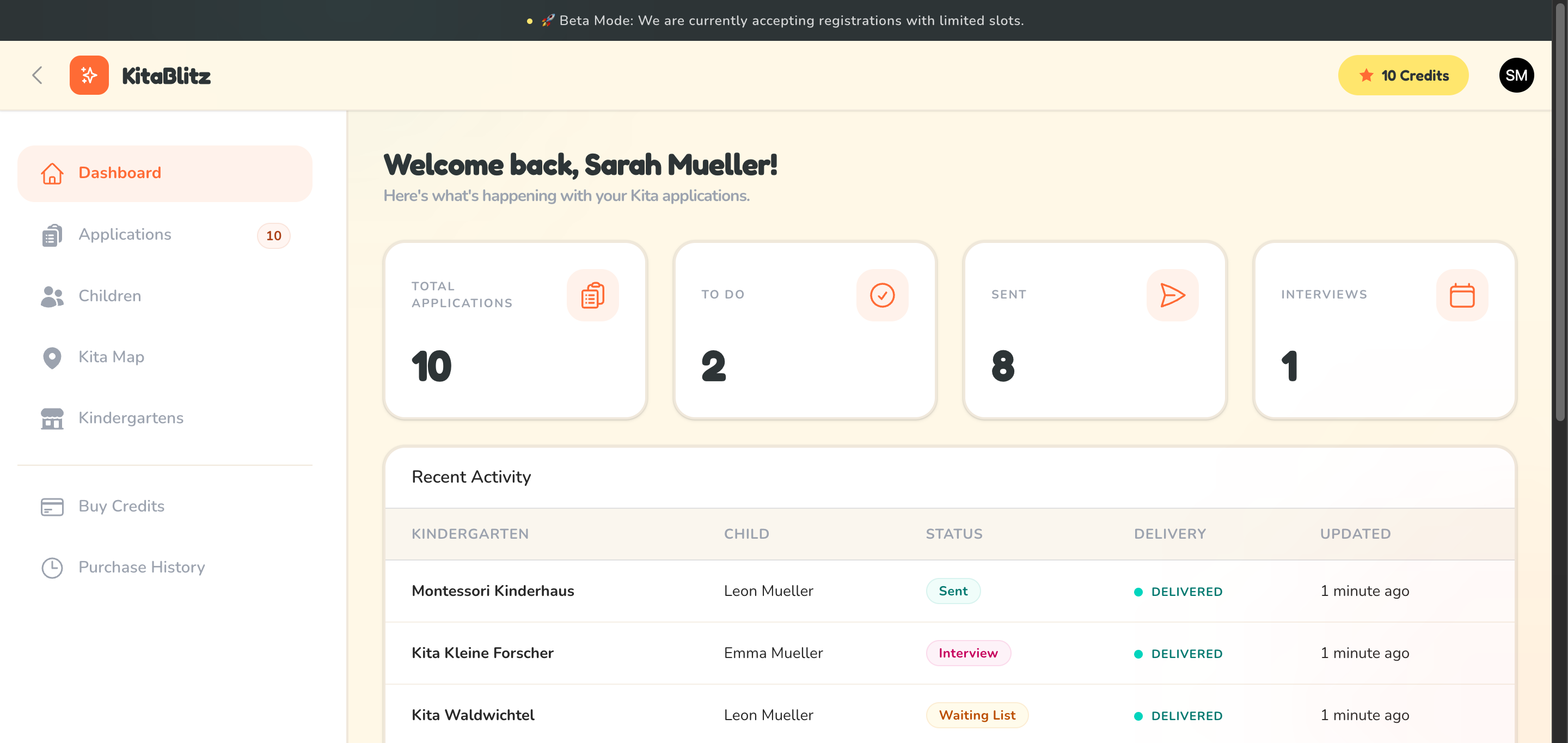
Your KitaBlitz dashboard after logging in
Guest Account Expiration
If you are using a demo or guest account, please note that your data will be automatically deleted after 24 hours. Register a full account to keep your applications and data permanently.