Delivery Tracking
Track every step of your email delivery in real time. Know exactly when your application was sent, delivered, and opened.
Delivery Timeline
Every sent application has a delivery timeline that shows exactly what happened after you clicked send:
Queued
Your email has been added to the sending queue and will be dispatched shortly.
Sent
The email has left our servers and is on its way to the kindergarten's email provider.
Delivered
The email was accepted by the kindergarten's email server. It should now be in their inbox.
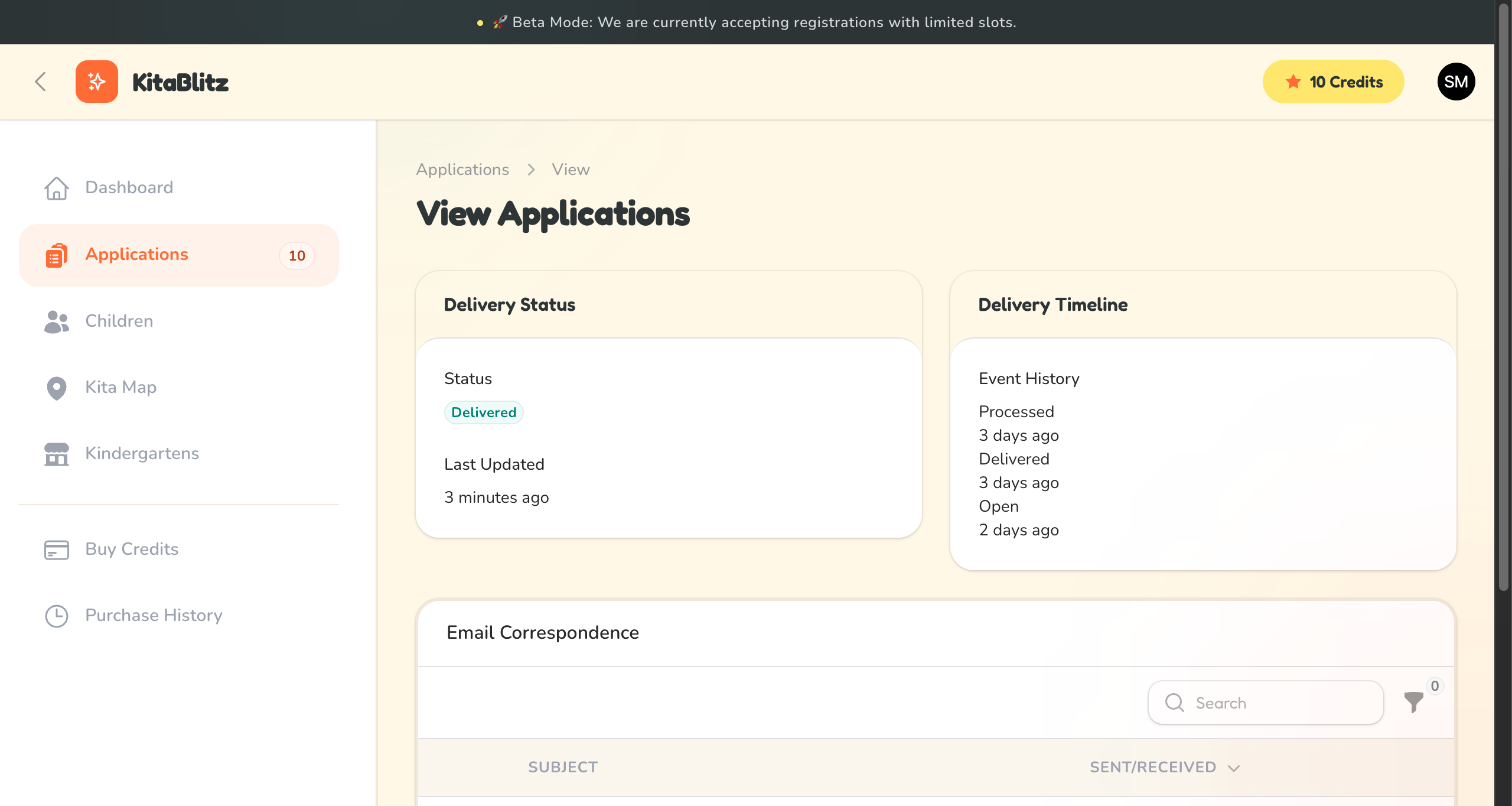
Delivery timeline showing email progress
Handling Delivery Issues
Sometimes emails encounter problems during delivery. Here are the issue statuses and what they mean:
Bounced
The email was rejected by the kindergarten's email server. This usually means the email address is invalid or the mailbox is full. Verify the address and try again.
Marked as Spam
The email was flagged as spam by the recipient's email system. The kindergarten may not have seen your application. Consider contacting them by phone.
Failed
The email could not be sent due to a technical issue. Check the error details and try resending, or contact the kindergarten directly.
Contact Kita Directly
If your email bounced or was marked as spam, we recommend contacting the kindergarten directly by phone to ensure they received your application.